
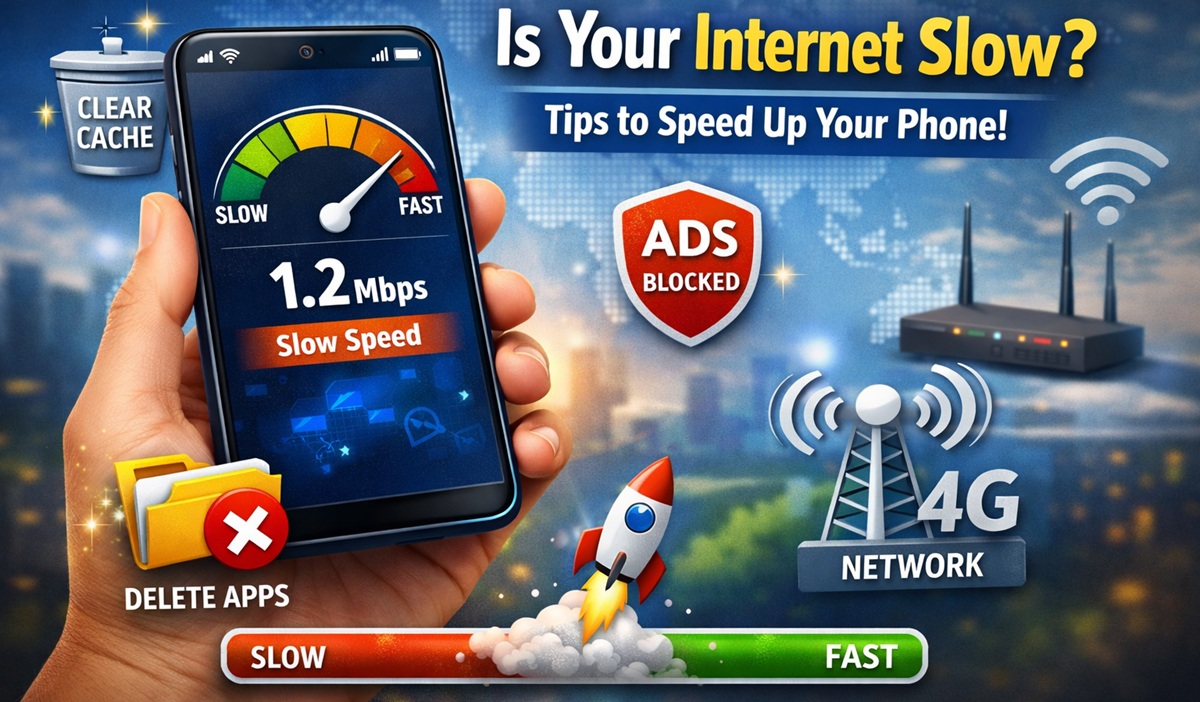
Nowadays, almost everyone uses an Android smartphone. We rely on the internet for browsing, videos, social media, and many daily tasks. But sometimes, the internet speed on our phones becomes slow, which can be really frustrating.
In some cases, your network provider may be the reason. However, there are also several other factors that can affect your internet speed. The good news is—you can fix many of these issues easily.
Let’s look at some simple and effective tips to improve your internet speed.
🧹 Clear Cache to Boost Speed
Over time, your phone stores temporary files called cache. This helps apps load faster, but too much cache can fill up your phone’s memory and slow down internet performance.
What you can do:
- Go to your phone settings
- Find “Storage” or “Apps”
- Clear cache data
This simple step can help your internet run more smoothly.
🗑️ Remove Unnecessary Apps
Some apps keep running in the background and use your internet without you even noticing. These apps also take up memory, which can slow down your phone.
Try this:
- Delete apps you don’t use
- Stop background apps
- Keep only important apps
This will free up space and improve both phone performance and internet speed.
🚫 Use an Ad Blocker
Many websites show pop-up ads that slow down loading speed. These ads often include images and videos, which use extra data and reduce browsing speed.
Solution:
- Use a trusted ad blocker app or browser
- Block unnecessary pop-ups
This will make websites load faster and give you a smoother experience.
📶 Choose the Right Network Type
Sometimes, slow internet happens because your phone is not using the best network setting.
Make sure to:
- Set your network to 4G (or higher, if available)
- Check network settings in your phone
Using the correct network type can significantly improve your internet speed.
✅ Final Thoughts
Slow internet on your smartphone can be annoying, but in many cases, it’s easy to fix. By clearing cache, removing unused apps, blocking ads, and selecting the right network, you can enjoy a faster and smoother internet experience.
Try these tips today and see the difference! 🚀